How to Photograph Mehndi Clearly with a Phone
A beautiful design can disappear in poor lighting. Use simple phone photography techniques for sharper mehndi photos without needing a camera, studio or heavy editing.
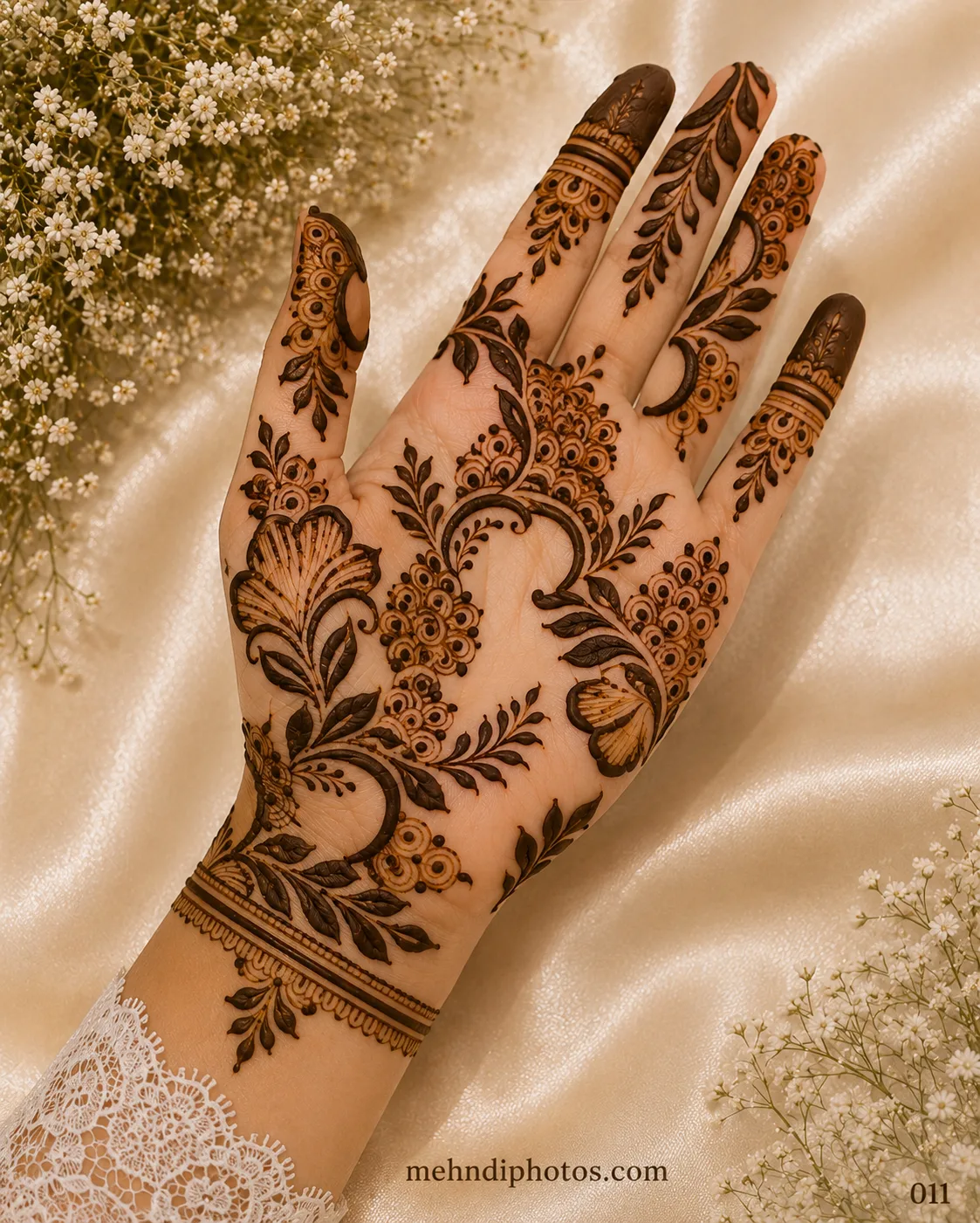
Mehndi has fine lines, warm skin tones and subtle stain colour, so phone cameras can struggle when the light is dim or the background is busy. The good news is that you do not need expensive equipment. A few small choices make a much bigger difference than filters.
Use soft natural light
Stand near a bright window or photograph outdoors in open shade. Direct midday sun can create harsh finger shadows and shiny highlights, while a dark room forces the phone to add noise. Soft, even light keeps both the skin and the henna readable.
Clean the camera lens
This sounds trivial, but phone lenses collect fingerprints quickly. A quick wipe with a clean soft cloth can improve contrast and sharpness immediately, especially around fine lines.
Choose a quiet background
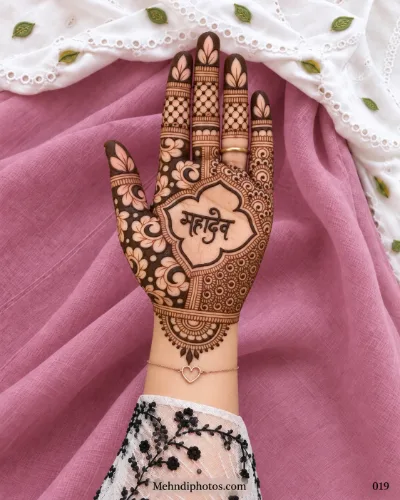
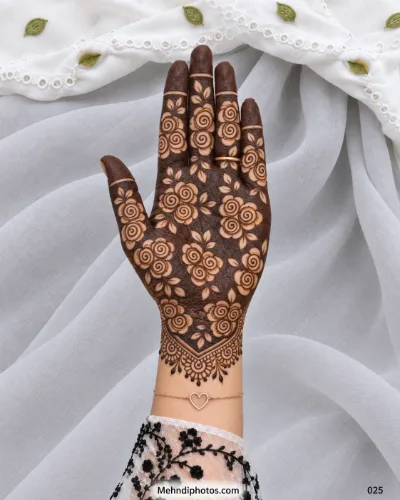
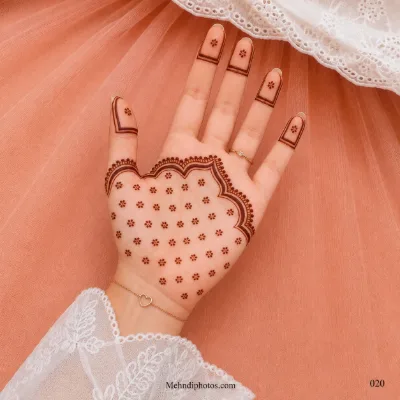
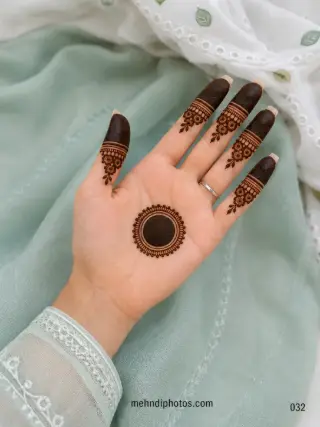
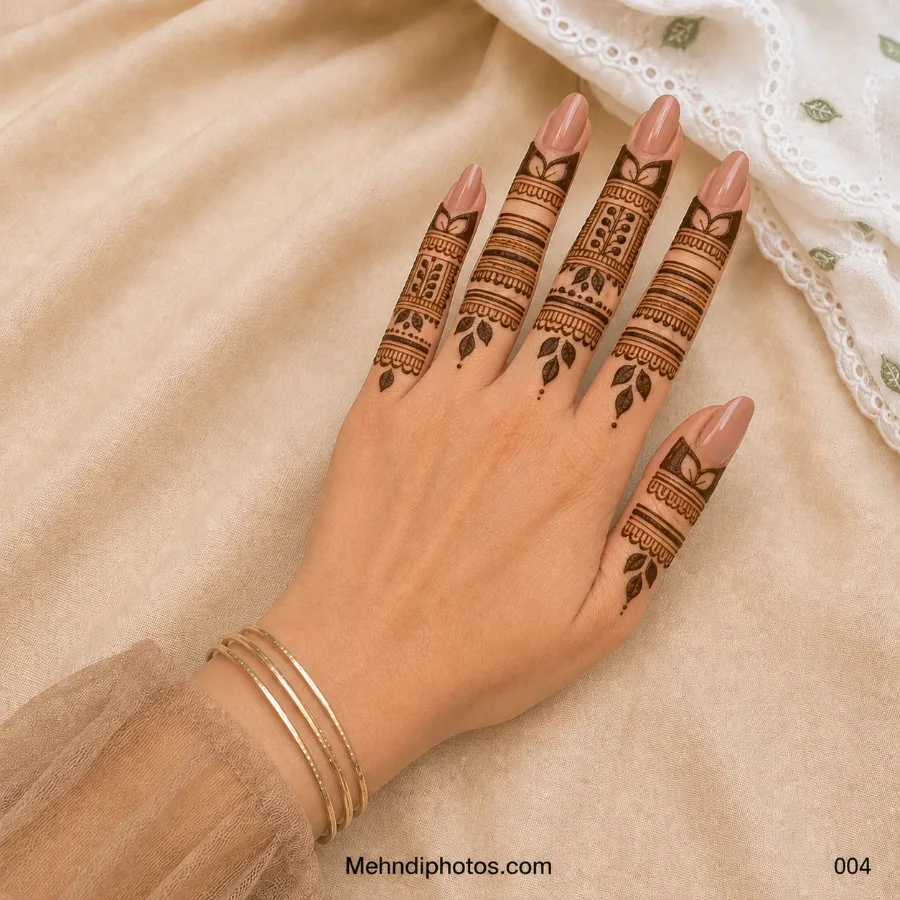
Plain fabric, a clean wall, neutral bedding or a simple surface lets the design lead the photograph. If the outfit is important to the story, include a small amount of it rather than placing the hand over the busiest embroidery.
Do not zoom digitally
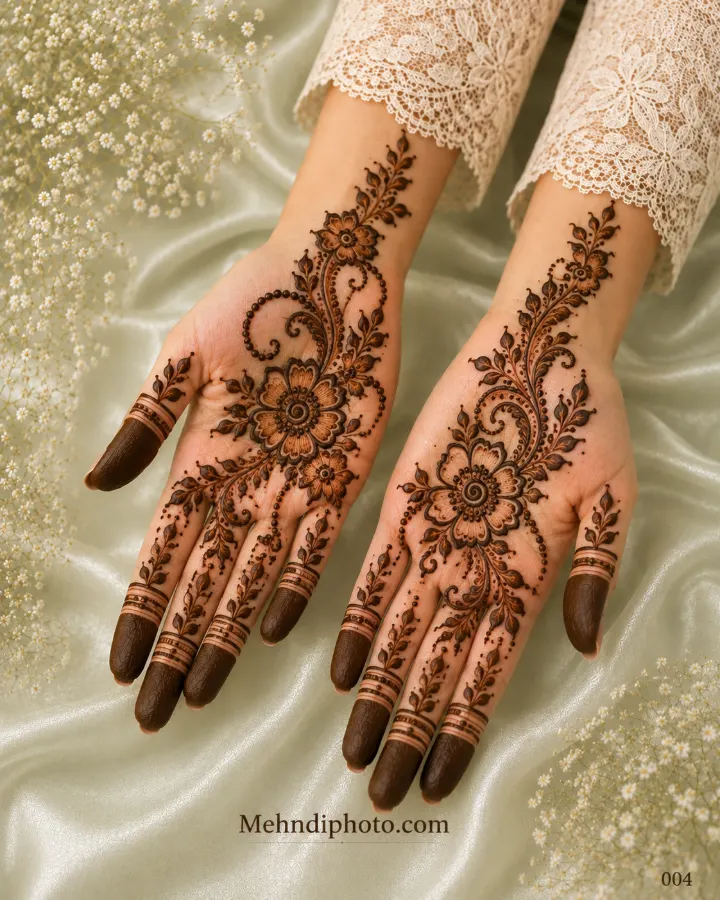
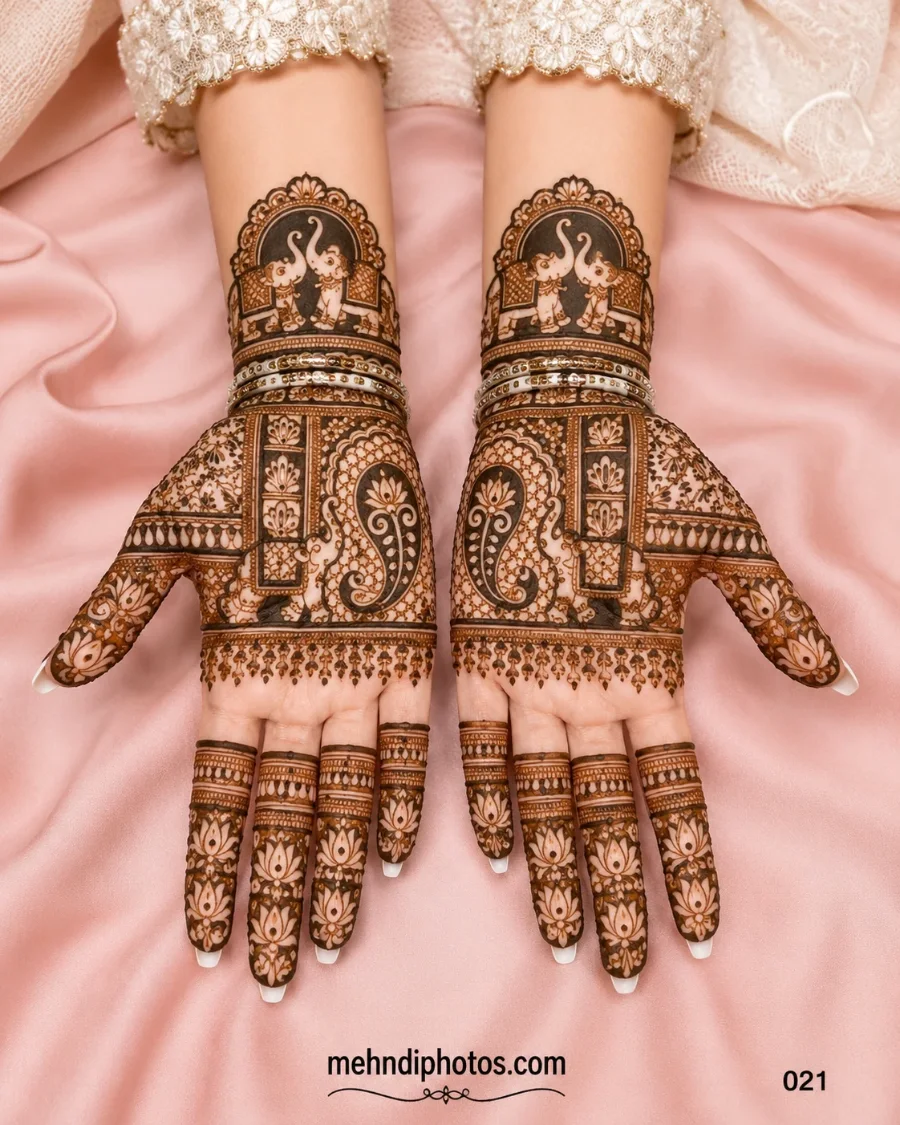
Move the phone physically closer while keeping enough distance for the camera to focus. Digital zoom often throws away detail. For a full-hand design, capture one complete view first, then take separate close-ups of the palm, fingers and wrist.
Tap to focus on the mehndi
On most phones, tapping the hand tells the camera where to focus and meter the exposure. If the skin looks too bright, reduce exposure slightly rather than using a strong filter later.
Relax the fingers
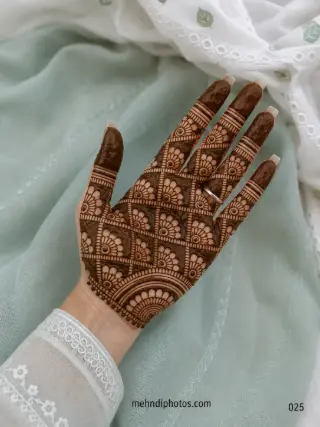
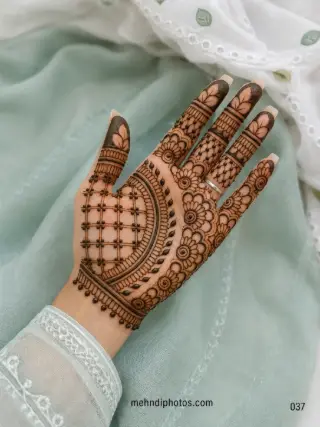
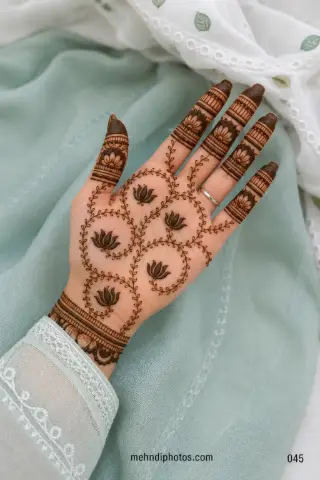
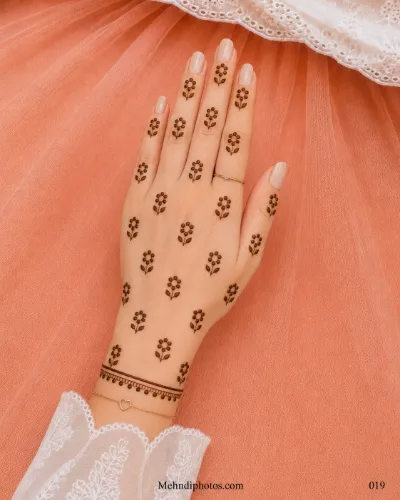
A hand stretched as wide as possible can look tense and distort the design. Keep fingers naturally separated. For back-hand photos, a gentle bend can show rings and finger patterns well; for front-hand references, a flatter palm makes the complete layout easier to study.
Photograph the stain at different stages
Fresh paste, newly removed orange stain and mature brown stain tell different stories. If you want to document the final colour, photograph it after it has had time to deepen rather than judging only the first hour.
Keep editing light
Correcting brightness or crop is fine, but heavy saturation can make the stain colour unrealistic and aggressive sharpening can make skin texture look artificial. A useful mehndi reference should show what the design actually looks like.
Take one reference-friendly photo
If other people may use the image to choose a design, include at least one straight, unobstructed view. Artistic angles are attractive for social media, but a clear reference image is much easier for an artist to follow.
Final thought
Good mehndi photography is mostly about clarity. Soft light, a clean lens, a simple background and a relaxed hand will usually outperform a complicated setup. Let the design do the work.